
It's Sunday night and Julya texts you and a few friends to see if you're up for a live group run. You agree to go for a run on Monday at 4:25pm. Yay!
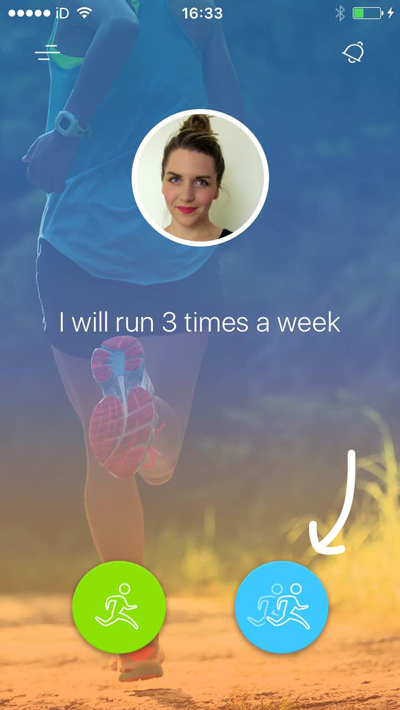
It's now Monday at 4:20, you're ready to run, and so you go to your home screen and tap the blue Social button:
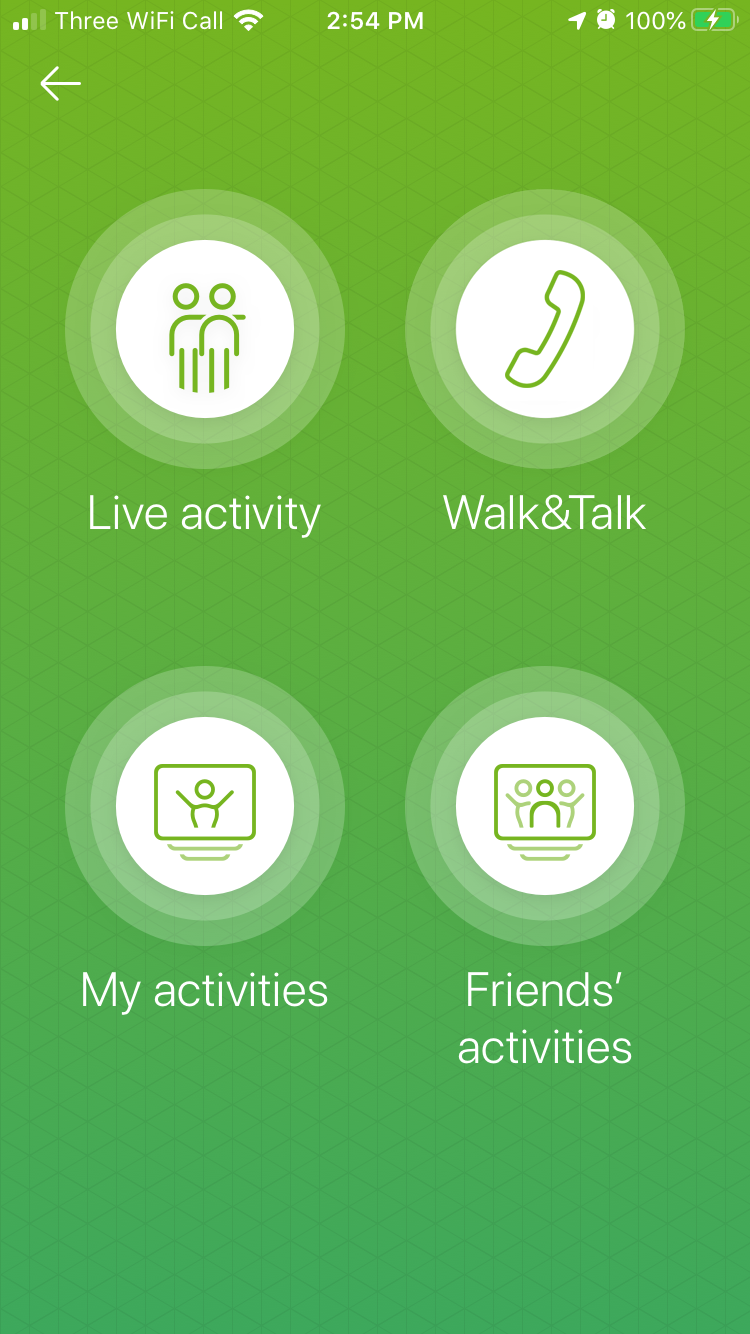
On the next screen, select Live activity
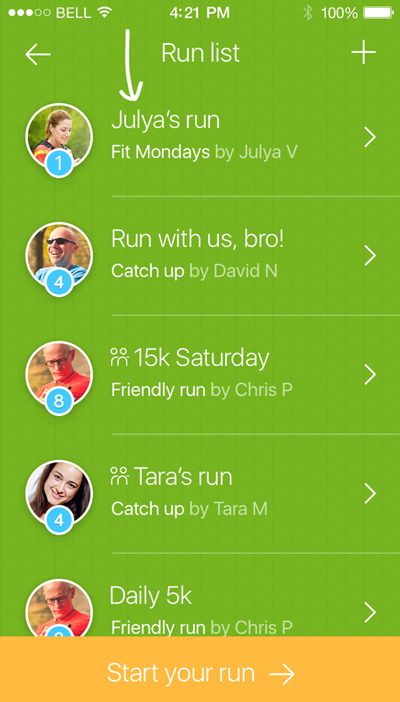
Now you're looking at the Activity list. Let's say Julya agreed to be the host, so she set up the run. Tap Julya's run to join.
On the next screen, tap your own profile picture to join the run. To let your friends know you're ready to start running, set your status to Ready.
You can text chat with the people in the run before it starts by tapping on the chat icon in the bottom right.
When everyone is ready, the host can start the race. There's a 10-second countdown, then the blue arrow at the end and means go!
During your activity, the audio commentary helps you keep track of whether you’re keeping pace, falling behind or confidently taking the lead. You can also take a look at the screen to see everyone's progress.

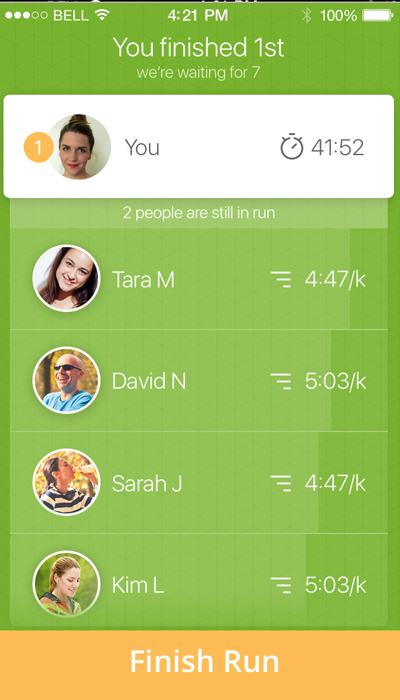
When you finish, we'll let you know how you did - wahoo, you came first! You can stick around to chat with the others once they've finished.
When you're ready to exit the activity, just tap the Finish button at the bottom of the screen.
-----------------------------------------------------------------------------------------------
If you are the run host, it's a pretty similar process - just a couple of different steps.
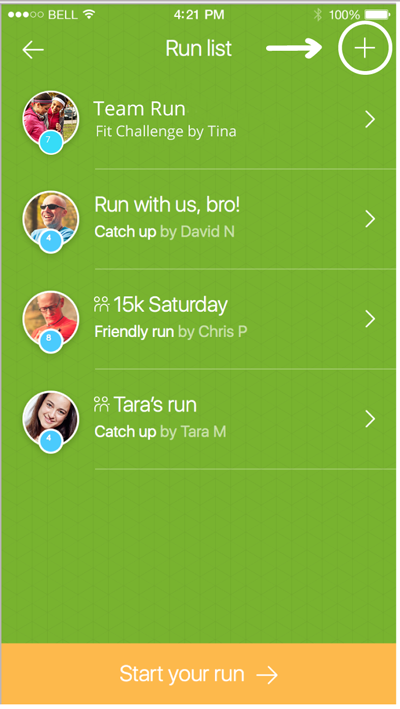
When you arrive at your run list, tap the plus sign to create a new run.
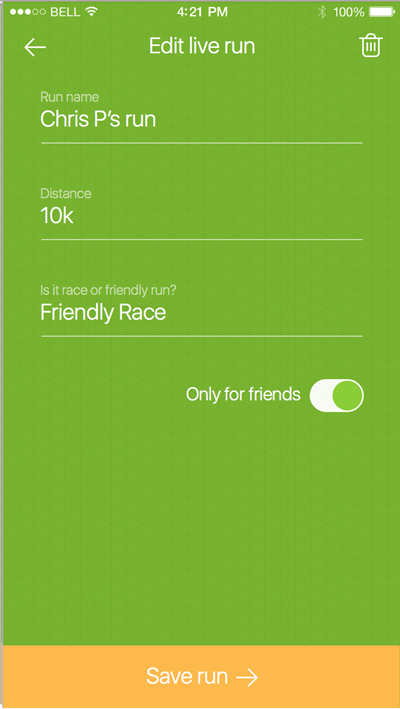
Now you can name your run and enter the run details. You can also set your run to Only for friends or Public. Public runs appear in everyone's run list, so that's pretty fun!
When your friends have joined the activity, and everyone is ready, the host (that's you!) can start it! To start, just the tap the orange button at the bottom of the screen. To make sure everyone is ready to go, a countdown will begin. The blue arrows means it's time to go!
***
We hope our little guide had made live running a bit clearer! If not, please get in touch with our support team at support@raceful.ly, and we'll be happy to guide you through the process. Have a great run!